
Multi-Tenant Apps for Small Teams: When You Need Separation
Learn multi-tenancy in plain language—when small teams need data separation, permission boundaries, and branding for client portals and scalable operations.
1) Multi-tenancy, explained for small teams (and why it shows up sooner than you think)
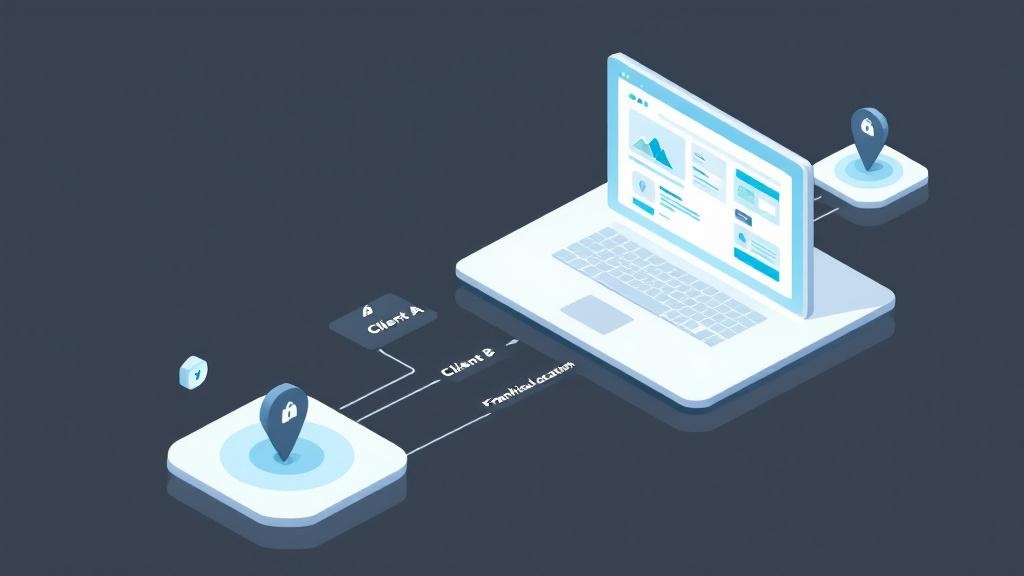
Multi-tenancy simply means one app serves multiple groups (“tenants”) while keeping each group’s data and settings separated. In practice, tenants might be clients in a client-portal, franchise locations, departments, or cohort-based programs. Even if you’re a solo consultant or a five-person team, the moment you manage repeating workflows for different audiences, multi-tenancy becomes a practical requirement—not a “big SaaS company” feature.
The alternative is a one shared workspace: one database, one set of screens, and lots of manual filtering. That often starts fine, then breaks as soon as you add contractors, invite external users, or need audits. A single permission mistake can expose sensitive information, and “just be careful” doesn’t scale.
This is where saas-patterns matter to small businesses: you want each tenant to feel like they have their own app experience (data, roles, branding), while you still manage a single product. Tools like AppSprint Studio make this approachable by combining templates, permissioned sharing, and hosted runtimes—so separation isn’t an afterthought.
2) Separation models that actually work: data, permissions, and branding boundaries
Most teams choose one of three data-isolation approaches. Shared tables with a tenant ID are the fastest to start and can be safe if every query is tenant-scoped. Schema-per-tenant adds stronger separation but increases maintenance. Database-per-tenant is the most isolated (and often best for regulated needs), but it adds operational overhead. The right model depends on risk, scale, and how “custom” each tenant’s workflow becomes.
Separation isn’t only about rows in a database. You need clear permission boundaries: roles like Owner/Admin/Member, invite rules, and predictable visibility across screens, forms, and dashboards. If 22% of firms cite security as a barrier, it’s usually because permissions are bolted on late.
Branding is the third boundary. In many client-portals, “your logo + your colors + your domain” is part of trust. Multi-tenancy should let you adjust tenant-level settings without duplicating the whole app. With template-first builders like AppSprint Studio, you can start from a workflow template, assemble blocks, then apply tenant-specific access and branding—while keeping the underlying app maintainable for scalability.
3) When you’ve outgrown “one workspace”: risk signals, and a practical path to scalable client apps
You likely need multi-tenancy if any of these are true: you’re building repeatable workflows for multiple clients, you’re operating across locations, you run cohorts with different start/end dates, or you’re constantly copying spreadsheets and “making a new version” of the same process. Another clear signal is when you start adding external collaborators—because permission mistakes become costly, reputationally and legally.
Operationally, a single shared workspace creates hidden tax: manual filtering, duplicated forms, messy audit trails, and brittle automations. It also limits scalability—you can’t confidently onboard the next tenant when the last tenant’s data might leak through a view or notification.
A practical path is to start with a template, then enforce separation early: define tenant-level data rules, lock down roles, and standardize how automations trigger (emails, SMS, webhooks). AppSprint Studio’s template-first approach helps small teams ship a real-feeling app quickly—then iterate safely as requirements evolve. That’s the core advantage of good saas-patterns: ship fast, separate cleanly, and grow without rebuilding.
1) Multi-tenancy, explained for small teams (and why it shows up sooner than you think)
Multi-tenancy simply means one app serves multiple groups (“tenants”) while keeping each group’s data and settings separated. In practice, tenants might be clients in a client-portal, franchise locations, departments, or cohort-based programs. Even if you’re a solo consultant or a five-person team, the moment you manage repeating workflows for different audiences, multi-tenancy becomes a practical requirement—not a “big SaaS company” feature.
The alternative is a one shared workspace: one database, one set of screens, and lots of manual filtering. That often starts fine, then breaks as soon as you add contractors, invite external users, or need audits. A single permission mistake can expose sensitive information, and “just be careful” doesn’t scale.
This is where saas-patterns matter to small businesses: you want each tenant to feel like they have their own app experience (data, roles, branding), while you still manage a single product. Tools like AppSprint Studio make this approachable by combining templates, permissioned sharing, and hosted runtimes—so separation isn’t an afterthought.
2) Separation models that actually work: data, permissions, and branding boundaries
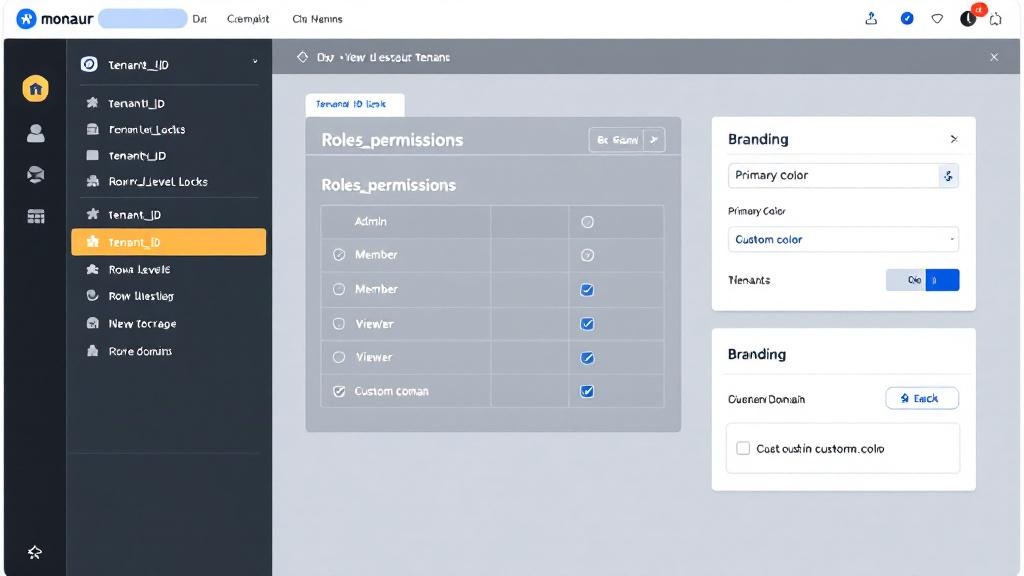
Most teams choose one of three data-isolation approaches. Shared tables with a tenant ID are the fastest to start and can be safe if every query is tenant-scoped. Schema-per-tenant adds stronger separation but increases maintenance. Database-per-tenant is the most isolated (and often best for regulated needs), but it adds operational overhead. The right model depends on risk, scale, and how “custom” each tenant’s workflow becomes.
Separation isn’t only about rows in a database. You need clear permission boundaries: roles like Owner/Admin/Member, invite rules, and predictable visibility across screens, forms, and dashboards. If 22% of firms cite security as a barrier, it’s usually because permissions are bolted on late.
Branding is the third boundary. In many client-portals, “your logo + your colors + your domain” is part of trust. Multi-tenancy should let you adjust tenant-level settings without duplicating the whole app. With template-first builders like AppSprint Studio, you can start from a workflow template, assemble blocks, then apply tenant-specific access and branding—while keeping the underlying app maintainable for scalability.
3) When you’ve outgrown “one workspace”: risk signals, and a practical path to scalable client apps
You likely need multi-tenancy if any of these are true: you’re building repeatable workflows for multiple clients, you’re operating across locations, you run cohorts with different start/end dates, or you’re constantly copying spreadsheets and “making a new version” of the same process. Another clear signal is when you start adding external collaborators—because permission mistakes become costly, reputationally and legally.
Operationally, a single shared workspace creates hidden tax: manual filtering, duplicated forms, messy audit trails, and brittle automations. It also limits scalability—you can’t confidently onboard the next tenant when the last tenant’s data might leak through a view or notification.
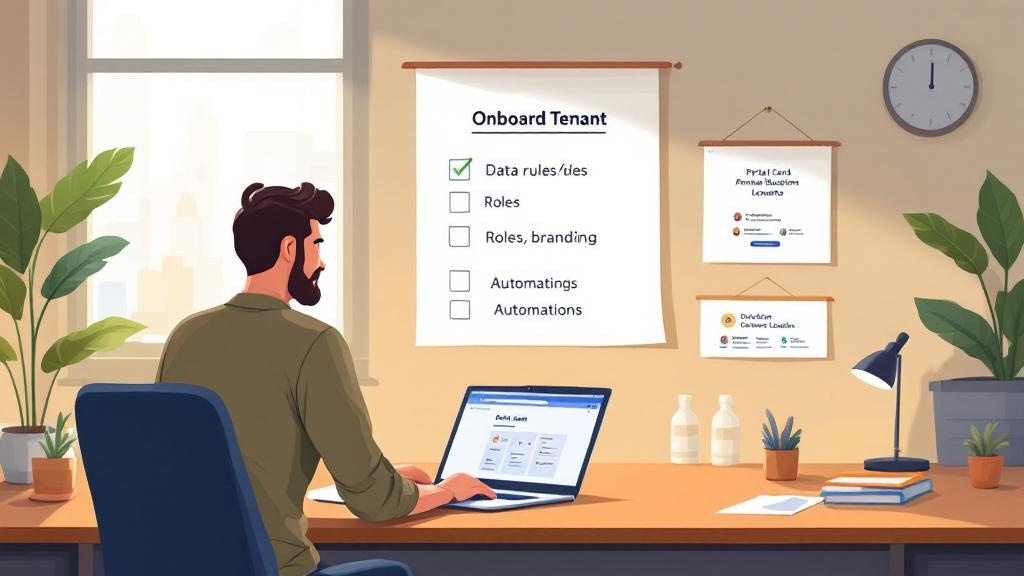
A practical path is to start with a template, then enforce separation early: define tenant-level data rules, lock down roles, and standardize how automations trigger (emails, SMS, webhooks). AppSprint Studio’s template-first approach helps small teams ship a real-feeling app quickly—then iterate safely as requirements evolve. That’s the core advantage of good saas-patterns: ship fast, separate cleanly, and grow without rebuilding.