
The Workflow App Trap: When Spreadsheets Stop Scaling
Spreadsheets break as workflows grow. Learn the warning signs, hidden risks, and a framework to upgrade to lightweight internal tools without overbuilding.

1) The moment a spreadsheet turns into a “workflow app”
Spreadsheets are the default for early workflows because they’re fast, familiar, and flexible. But as soon as you start using a sheet like an intake form, an approvals queue, and a status dashboard—plus “who can edit what” and “what changed when”—you’ve accidentally built an app without app safeguards. That’s the workflow app trap: it feels lightweight until the first missed handoff, overwritten cell, or accidental share.
In growing operations, the sheet becomes a hub for requests, tasks, and customer-facing promises. Then the cracks show: permissions are all-or-nothing, logic is scattered across hidden columns, and updates happen via copy-pasted versions. What worked for a solo operator becomes fragile for a team.
From a risk-management perspective, the scariest part is that failures are often silent. The spreadsheet doesn’t “error” in a way anyone notices—it just slowly stops being reliable, right when the workflow matters most.
2) The hidden costs: permissions, silent errors, version chaos, and no audit trail
The first hidden cost is broken permissions. Most spreadsheets can’t enforce row-level rules cleanly, so teams resort to separate tabs, duplicated files, or manual policing. That’s not just inconvenient—it can expose sensitive data (pricing, HR details, customer info) or allow unauthorized edits that look legitimate.
Next come silent errors and version chaos. A formula change in one copy doesn’t propagate. A filter view hides rows and someone “fixes” the wrong record. A single column shift breaks downstream calculations. The sheet becomes an unreliable source of truth, which forces more meetings, more screenshots, and more “just to confirm…” messages.
Finally, there’s the absence of auditability: who approved what, when, and based on which data? Without a clear log, post-mortems turn into guesswork. That’s why many teams eventually reach for internal-tools that add roles, validations, and history—without turning the workflow into an over-engineered software project.
3) A decision framework: when to evolve into lightweight apps (without overbuilding)
A simple framework: move beyond spreadsheets when (1) multiple roles need different access, (2) the workflow has repeated steps (intake → review → approval), (3) errors are costly, or (4) you need integrations and automation. If you’re tracking approvals, handling payments, triggering email/SMS, or reporting across teams, a sheet is no longer “lightweight”—it’s just under-protected.
The goal isn’t enterprise software; it’s a small, reliable app that fits your operations. Look for an appbuilder that starts with templates, uses modular blocks (forms, lists, dashboards), and enforces schema-defined data. Add rule-based triggers (notifications on submission), role-based sharing, and an audit trail. This keeps the workflow real, fast to iterate, and safer.
Tools like AppSprint Studio are built for this “upgrade path”: publish workflow-specific apps from reusable blocks in a hosted runtime, with permissions and integrations baked in—useful for creators, small businesses, and lightweight internal-tool teams. You keep speed (fast-profit), while reducing risk-management headaches as you scale.
1) The moment a spreadsheet turns into a “workflow app”
Spreadsheets are the default for early workflows because they’re fast, familiar, and flexible. But as soon as you start using a sheet like an intake form, an approvals queue, and a status dashboard—plus “who can edit what” and “what changed when”—you’ve accidentally built an app without app safeguards. That’s the workflow app trap: it feels lightweight until the first missed handoff, overwritten cell, or accidental share.
In growing operations, the sheet becomes a hub for requests, tasks, and customer-facing promises. Then the cracks show: permissions are all-or-nothing, logic is scattered across hidden columns, and updates happen via copy-pasted versions. What worked for a solo operator becomes fragile for a team.
From a risk-management perspective, the scariest part is that failures are often silent. The spreadsheet doesn’t “error” in a way anyone notices—it just slowly stops being reliable, right when the workflow matters most.
2) The hidden costs: permissions, silent errors, version chaos, and no audit trail
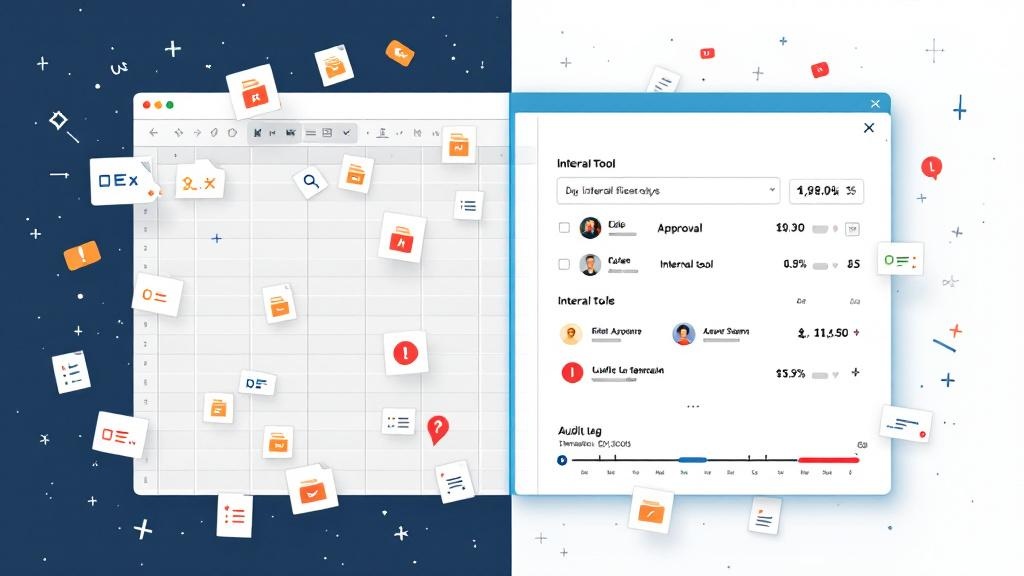
The first hidden cost is broken permissions. Most spreadsheets can’t enforce row-level rules cleanly, so teams resort to separate tabs, duplicated files, or manual policing. That’s not just inconvenient—it can expose sensitive data (pricing, HR details, customer info) or allow unauthorized edits that look legitimate.
Next come silent errors and version chaos. A formula change in one copy doesn’t propagate. A filter view hides rows and someone “fixes” the wrong record. A single column shift breaks downstream calculations. The sheet becomes an unreliable source of truth, which forces more meetings, more screenshots, and more “just to confirm…” messages.
Finally, there’s the absence of auditability: who approved what, when, and based on which data? Without a clear log, post-mortems turn into guesswork. That’s why many teams eventually reach for internal-tools that add roles, validations, and history—without turning the workflow into an over-engineered software project.
3) A decision framework: when to evolve into lightweight apps (without overbuilding)

A simple framework: move beyond spreadsheets when (1) multiple roles need different access, (2) the workflow has repeated steps (intake → review → approval), (3) errors are costly, or (4) you need integrations and automation. If you’re tracking approvals, handling payments, triggering email/SMS, or reporting across teams, a sheet is no longer “lightweight”—it’s just under-protected.
The goal isn’t enterprise software; it’s a small, reliable app that fits your operations. Look for an appbuilder that starts with templates, uses modular blocks (forms, lists, dashboards), and enforces schema-defined data. Add rule-based triggers (notifications on submission), role-based sharing, and an audit trail. This keeps the workflow real, fast to iterate, and safer.
Tools like AppSprint Studio are built for this “upgrade path”: publish workflow-specific apps from reusable blocks in a hosted runtime, with permissions and integrations baked in—useful for creators, small businesses, and lightweight internal-tool teams. You keep speed (fast-profit), while reducing risk-management headaches as you scale.